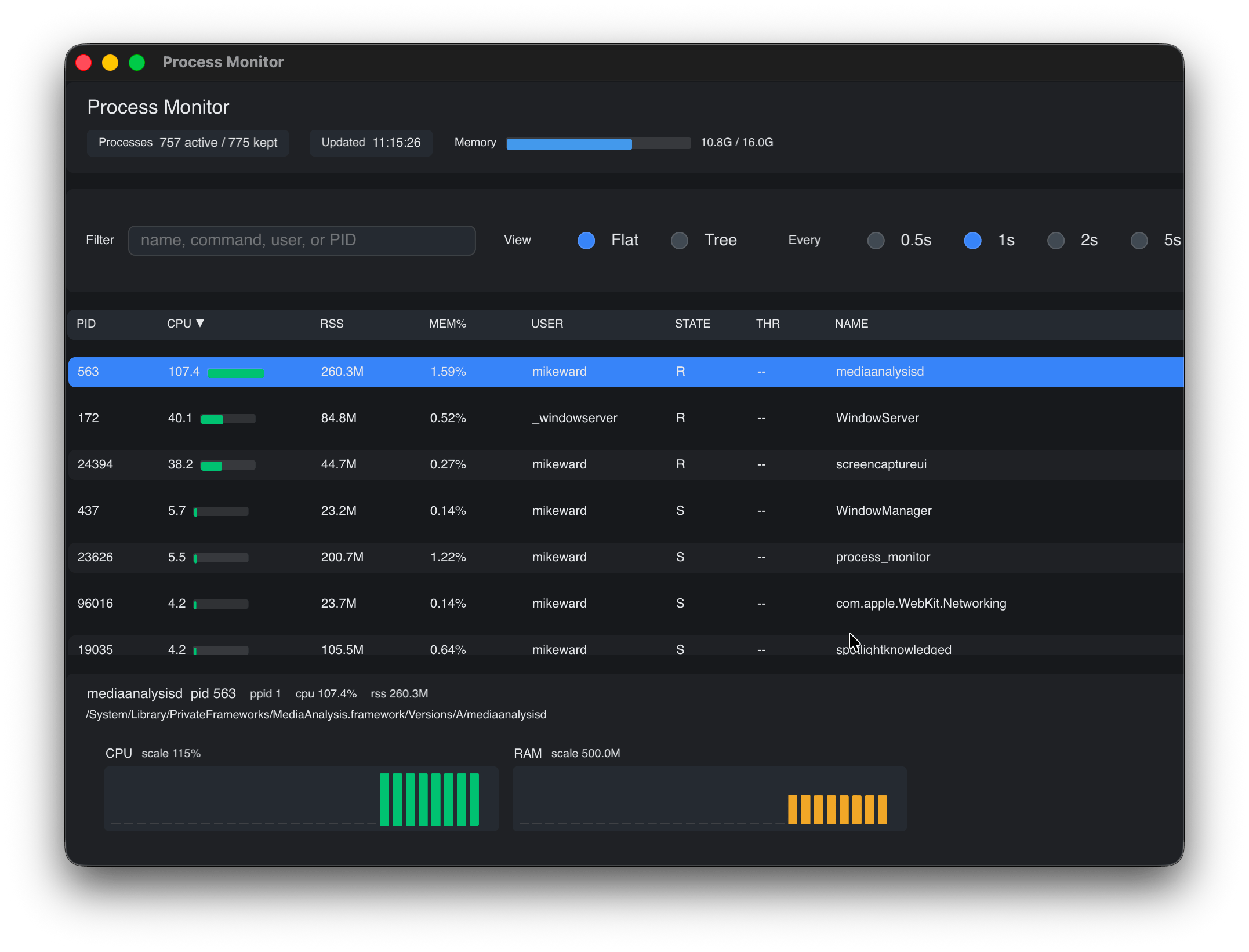
Build modern, cross-platform applications entirely in Go. No browser runtime. No JavaScript. No HTML or CSS.
MIT licensed · open source · latest release on GitHub.
go-gui — your UI is Go code, your state is Go data. The framework handles layout, rendering, input, and state.
// Smallest stateful app: one button and one counter.
package main

import (
	"fmt"

	"github.com/go-gui-org/go-gui/gui"
	"github.com/go-gui-org/go-gui/gui/backend"
)

type App struct {
	Clicks int
}

func main() {
	w := gui.SimpleWindow("Get Started", 300, 300, &App{}, func(w *gui.Window) {
		w.SetView(mainView)
	})
	backend.Run(w)
}

func mainView(w *gui.Window) gui.View {
	app := gui.State[App](w)

	return gui.Column(gui.ContainerCfg{
		Sizing: gui.FillFill,
		HAlign: gui.HAlignCenter,
		VAlign: gui.VAlignMiddle,
		Content: []gui.View{
			gui.Label(fmt.Sprintf("%d Clicks", app.Clicks), gui.TextStyle{}),
			gui.TextButton("Click Me", func(ctx gui.EventCtx) {
				gui.State[App](ctx.Window).Clicks++
			}),
		},
	})
}
The framework handles layout, rendering, input, and state. You write the application.
go-gui renders your application directly through native GPU backends. Your application stays in Go from the event loop to the pixels.
            Your Go application
                      │
                      ▼
                 ┌─────────┐
                 │ go-gui  │
                 └────┬────┘
                      │
             GPU rendering
                      │
        ┌─────────────┼─────────────┐
        ▼             ▼             ▼
Metal OpenGL WebGPU| No DOM | Your UI is not a web page. |
|---|---|
| No JS bridge | Application logic stays in Go. |
| No hidden browser | Desktop apps render natively — Metal on macOS and iOS, cgo-free OpenGL on Windows and Linux, WebGPU in the browser. |
Six focused libraries, one rendering pipeline. Each is usable on its own — together they cover what a real application needs.
Multi-cursor editing, piece-table undo, syntax highlighting, search with regex, code folding, and a diagnostics API for inline error markers. Embed it in any go-gui window.
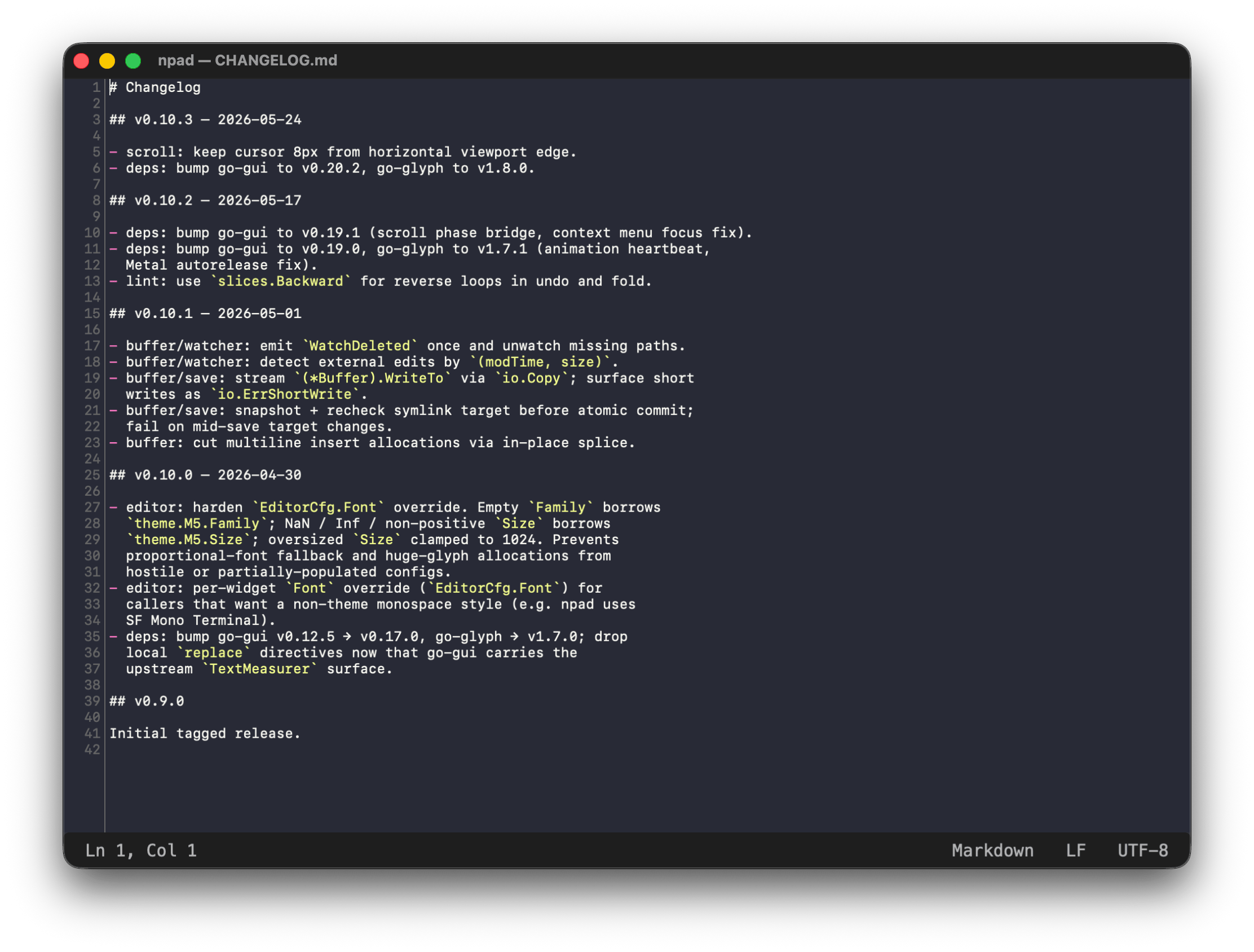
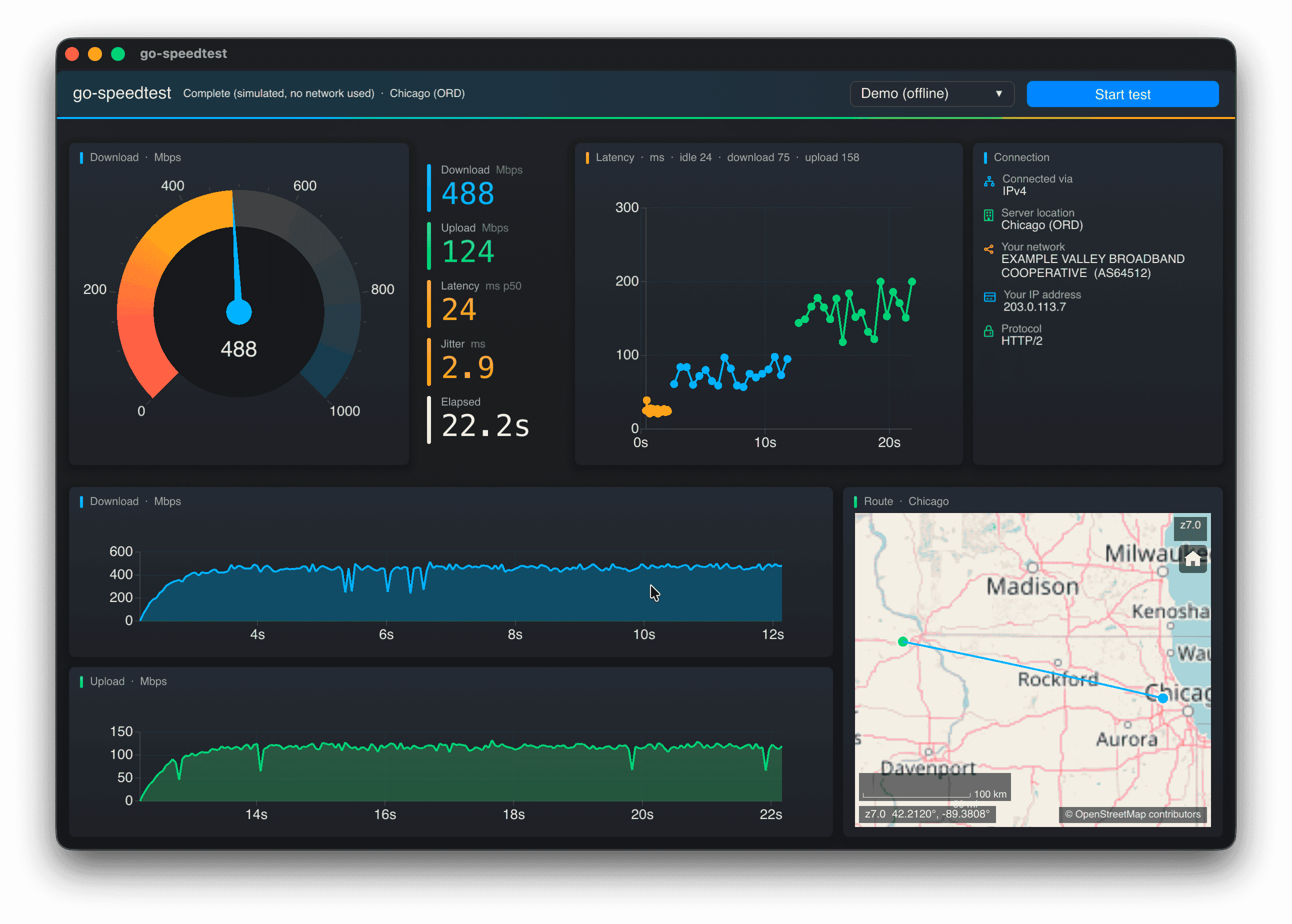
18+ chart types — line, bar, area, pie, scatter, candlestick — with incremental updates for real-time dashboards. Zoom, pan, and brush select out of the box.
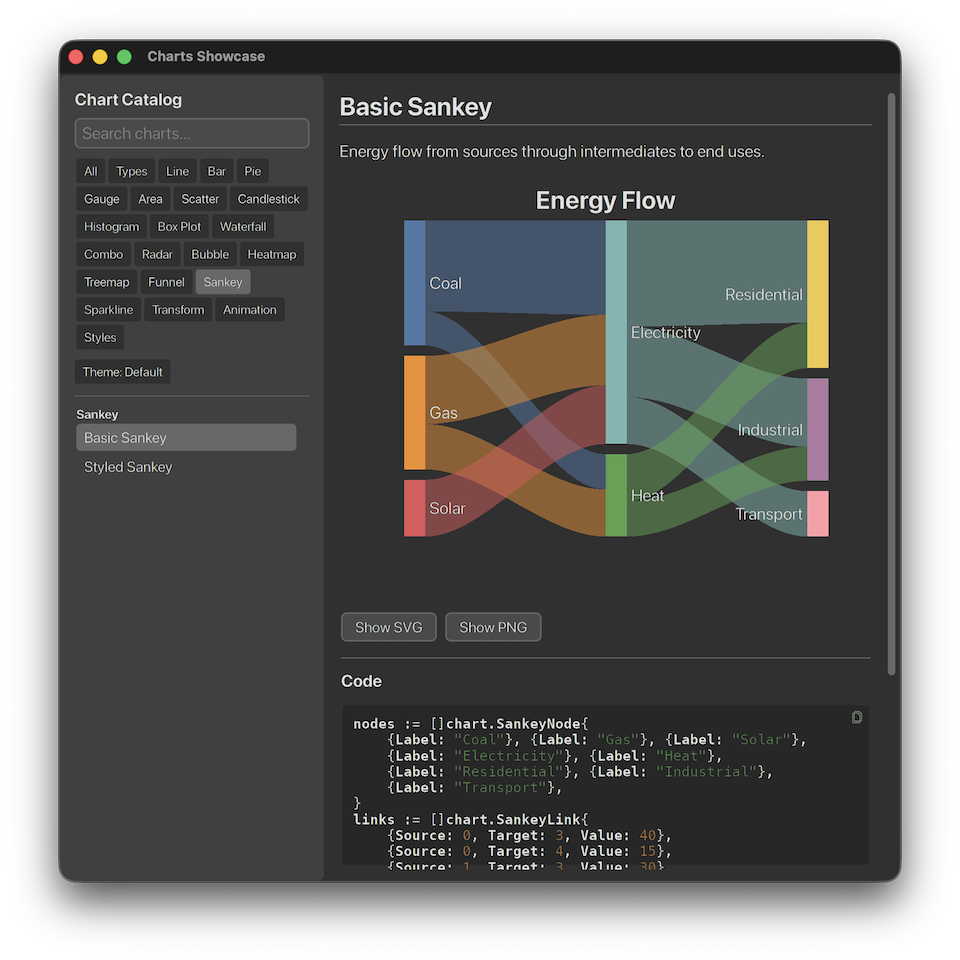
Hello · مرحبا · 日本語 · 中文 · Ελληνικά
Complex scripts, bidirectional text, grapheme clusters, and font fallback. Browser-quality rendering without a browser.
Tiled raster and vector maps with projection handling. OSM and WMS tile sources, kinetic pan and zoom, markers and geospatial overlays.
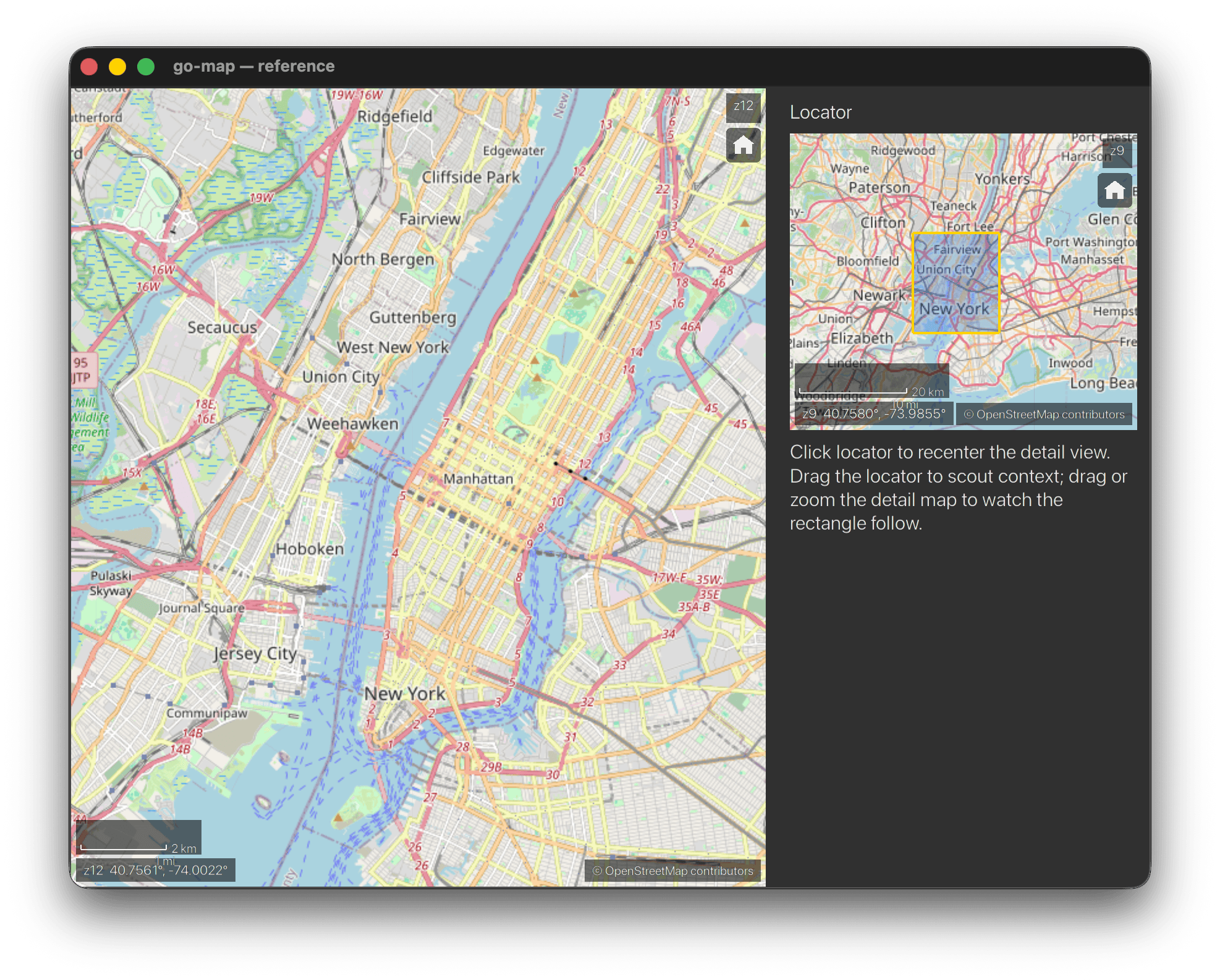
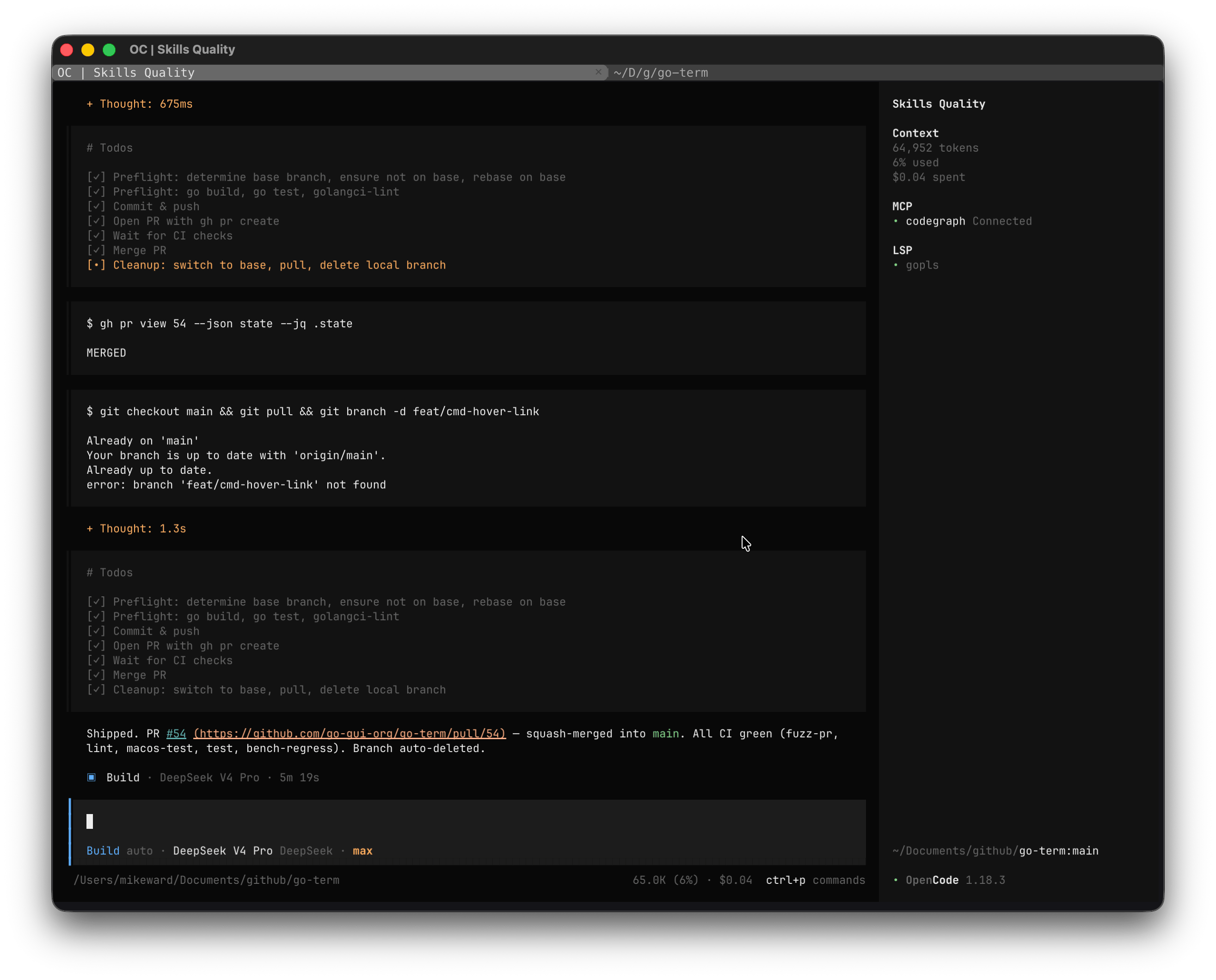
A full terminal emulator as a widget. Spawns a real shell over a PTY, renders through a GPU-accelerated draw canvas, works on macOS, Linux, and Windows.
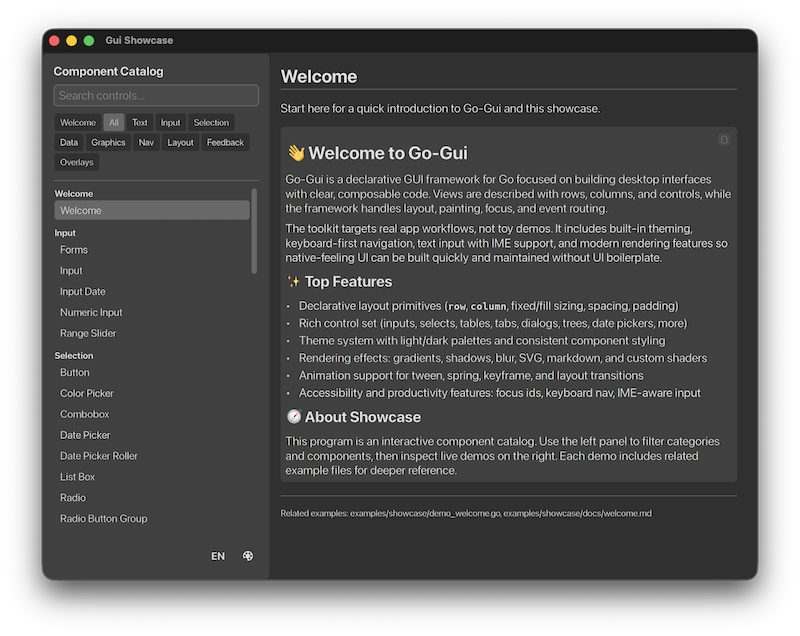
50+ widgets, from buttons to DataGrid to DockLayout. A theme system, an animation subsystem, and custom GPU shaders — every widget built on the same config-struct pattern and event model.
50+ widgets. One API. Buttons, inputs, tables, trees, menus, dialogs, docks — every widget follows the same config-struct pattern and event model.
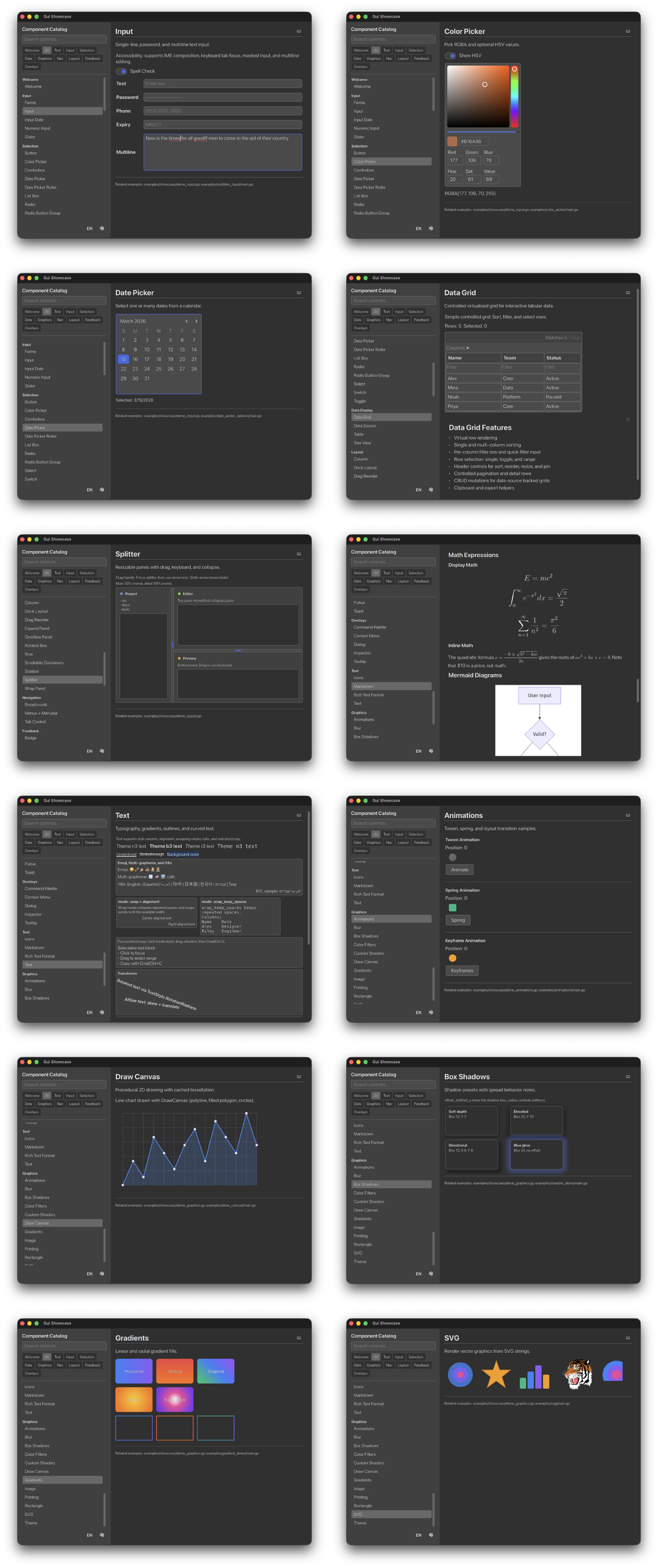
The widget gallery — run it yourself in the browser showcase.
Continuously rendered. No virtualization. No special cases.
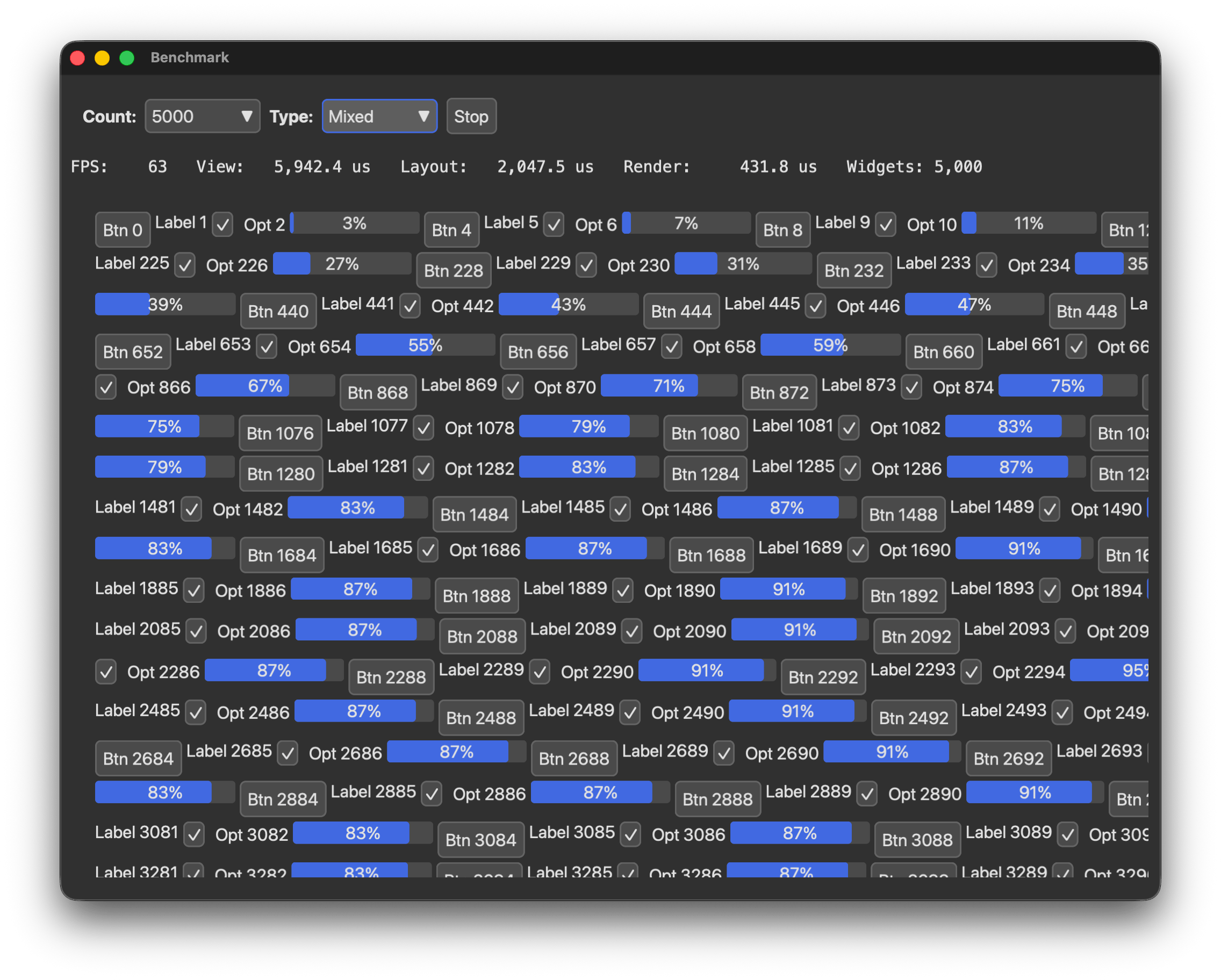
The benchmark window shows live per-frame numbers — FPS and view/layout/render times in µs — at 10 to 5,000 buttons, labels, toggles, and mixed widgets.
Not another button-and-label toolkit.
| Layout | Multi-pass constraint layout: rows, columns, wrapping, splitters, docking with drag-and-drop panels. |
|---|---|
| Data | DataGrid with virtual rows, multi-column sort, per-column filters, inline editing, and CSV/TSV/XLSX/PDF export. |
| Text | Complex-script shaping, bidirectional text, font fallback, rich text — browser-quality, without a browser. |
| Accessibility | ARIA roles, IME, AT-SPI on Linux, NSAccessibility on macOS. Built into the core, not bolted on. |
| Debugging | Layout inspector. Time-travel: scrub backward through application state frame by frame. |
| Testing | Run the UI headlessly. No display server required. |
An immediate-style programming model without the limitations usually associated with immediate-mode GUIs.
| 01 · Plain Go | Views are produced by ordinary Go functions. No template language, no JSX, no bridge. |
|---|---|
| 02 · Stable identity | Widgets carry IDs; focus, scrolling, and state persist where it matters, frame after frame. |
| 03 · Deterministic state | One typed state slot per window. gui.State[T] gives the application explicit control over its data. |
The result is a framework that stays simple as your application gets complicated.
One codebase. Same application, same widgets, same layout system — different GPU backends, same code.
One INI-free install. One Go module.
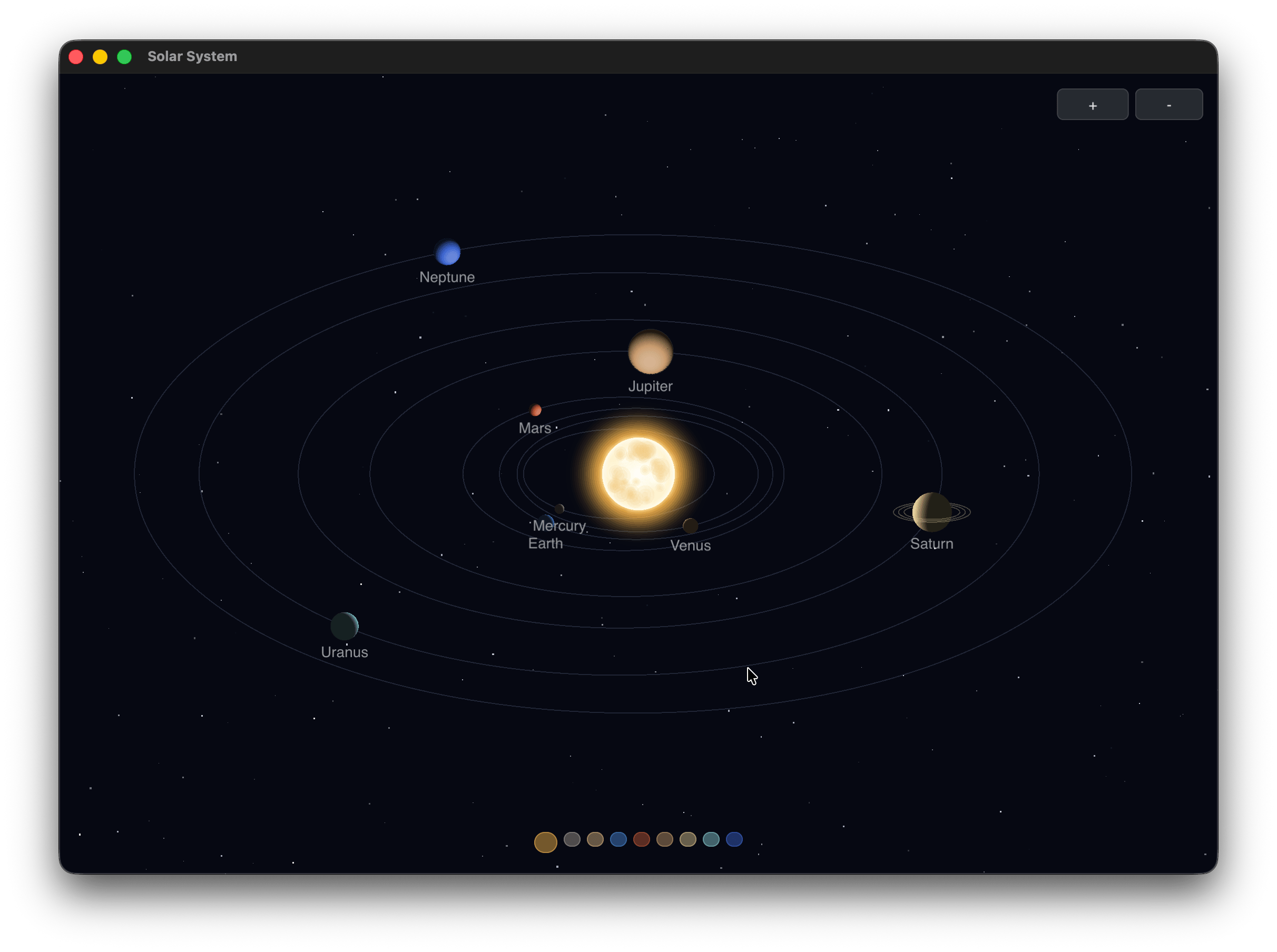
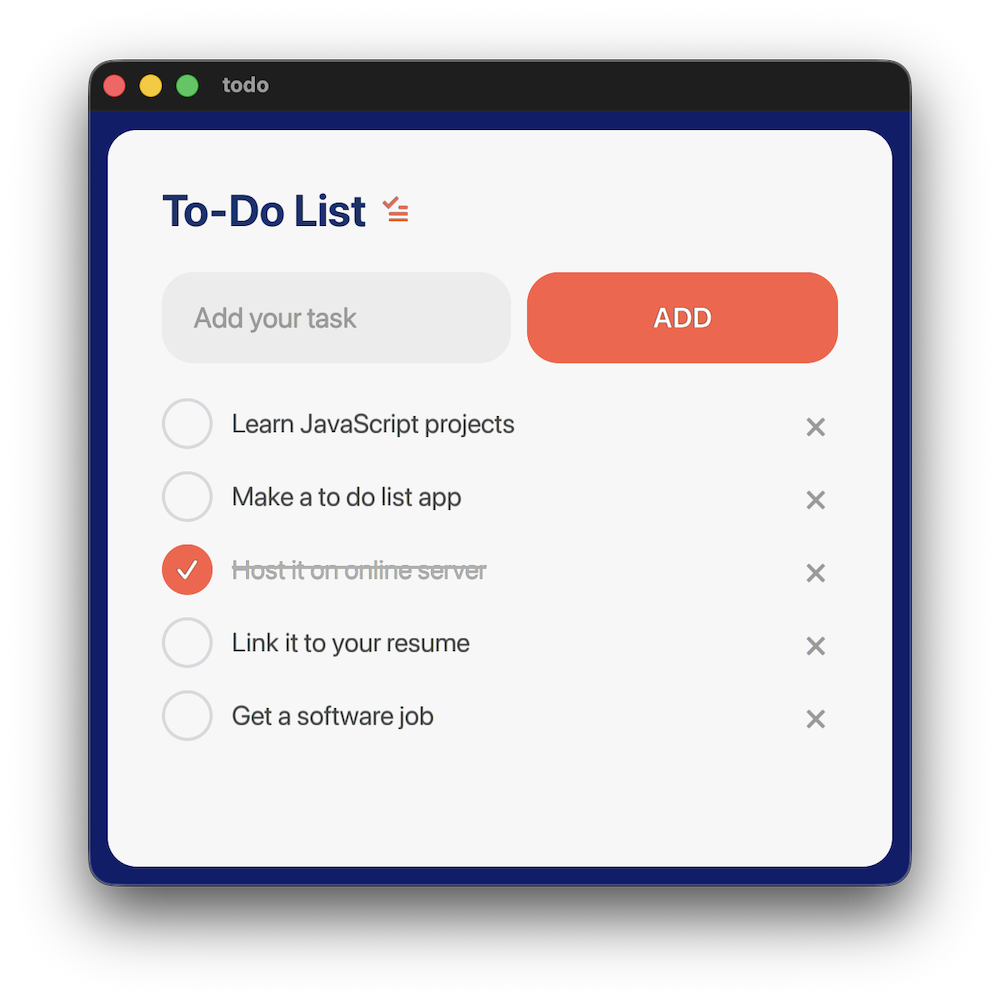
Real applications. Real code. Click through to the source.